CETRIS products for BIM in bimproject.cloud
The digitalization and gradual adaptation of the BIM process brings many benefits but also challenges. More and more investors are working with a BIM model and require it at the BIM data models at the design stage. Similarly, there are demands from building contractors and building managers to produce as-built BIM models, i.e. actual construction, where information on the delivered products will be stored for future use.
As architects and designers who process their projects in BIM, the bimproject.cloud tool will help you to do this. Quick administration of requirements for structures and products and their subsequent specification can be completed in seconds. You can create structures and materials in the BIM model in just a few seconds automatically, free of charge, and their geometry and parameter list will be exactly as you expect. Linking bimproject.cloud and BIM design software is provided by a plugin that is also available for free download on the bimproject.cloud website for officially supported versions of Revit, Archicad and Allplan. Plugin starts and updates automatically and you don't have to worry about it after installation.
The tool includes an up-to-date database of CETRIS products provided and maintained directly by the manufacturer. You can also take advantage of the complete localization in 10 languages and the application environment in another 12 languages.
Generic specification
In the early stages of a project, when you do not yet have an idea of the specific product, it is possible to use a so-called generic (general) specification. It is possible to specify the requirements for the whole structure and then each layer of the structure separately. A layer can be defined by a specific product (e.g. CETRIS board) or a generic requirement, e.g. "Mineral wool with a minimum volume of 100 kg/m3".
Once a generic structure has been configured, it can be inserted into the BIM model including the following requirements, which are represented in the BIM model by parameters and layers, which are represented by materials with a cut hatch. This insertion is possible by installing the bimproject.cloud plugin, which connects to the application automatically. The list and parameter values can be easily and quickly edited and updated in the BIM model.
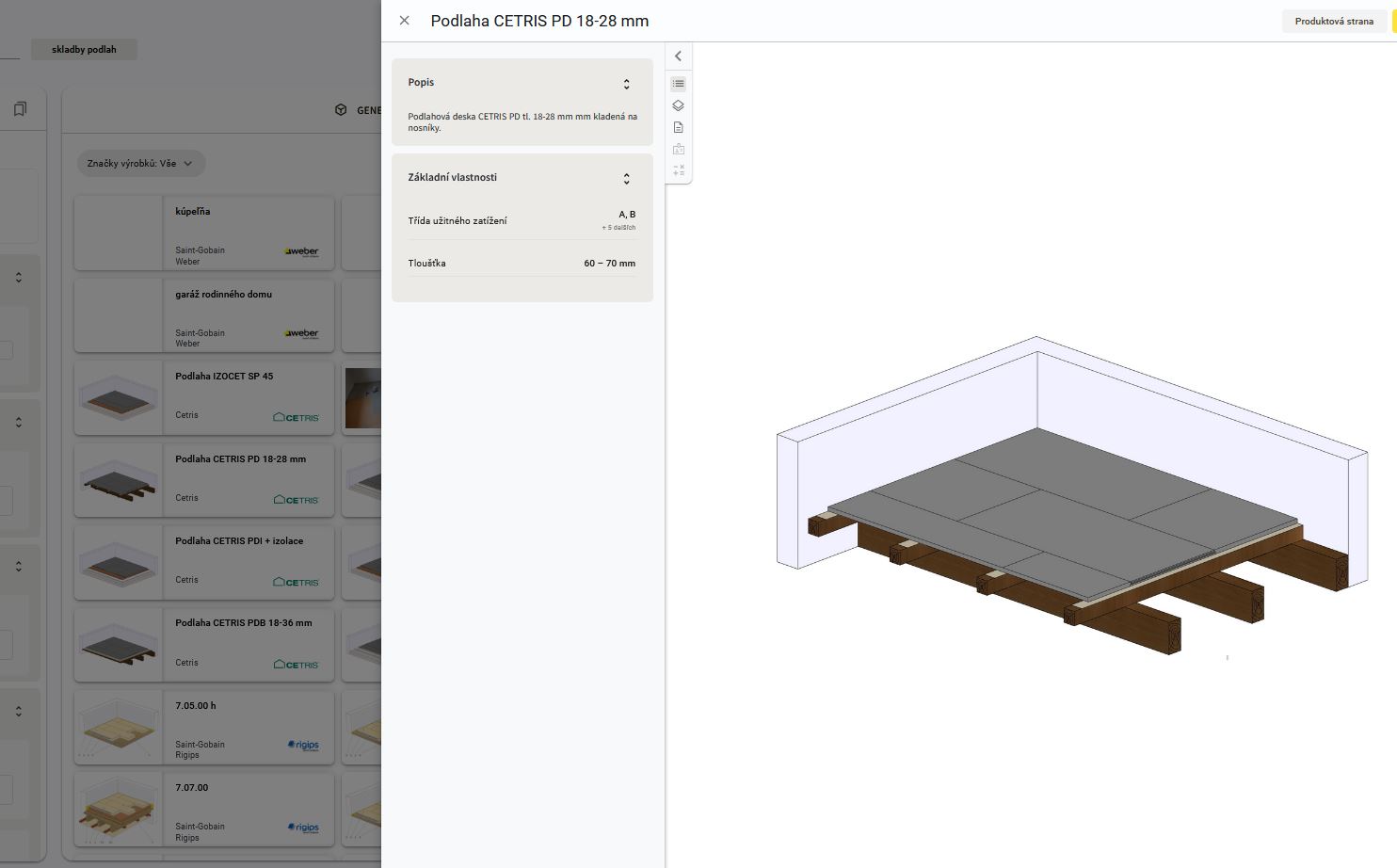
Separate CETRIS products can be found in the categories and also separately, for example among the Structural boards and then inserted into the project as a BIM object or material.
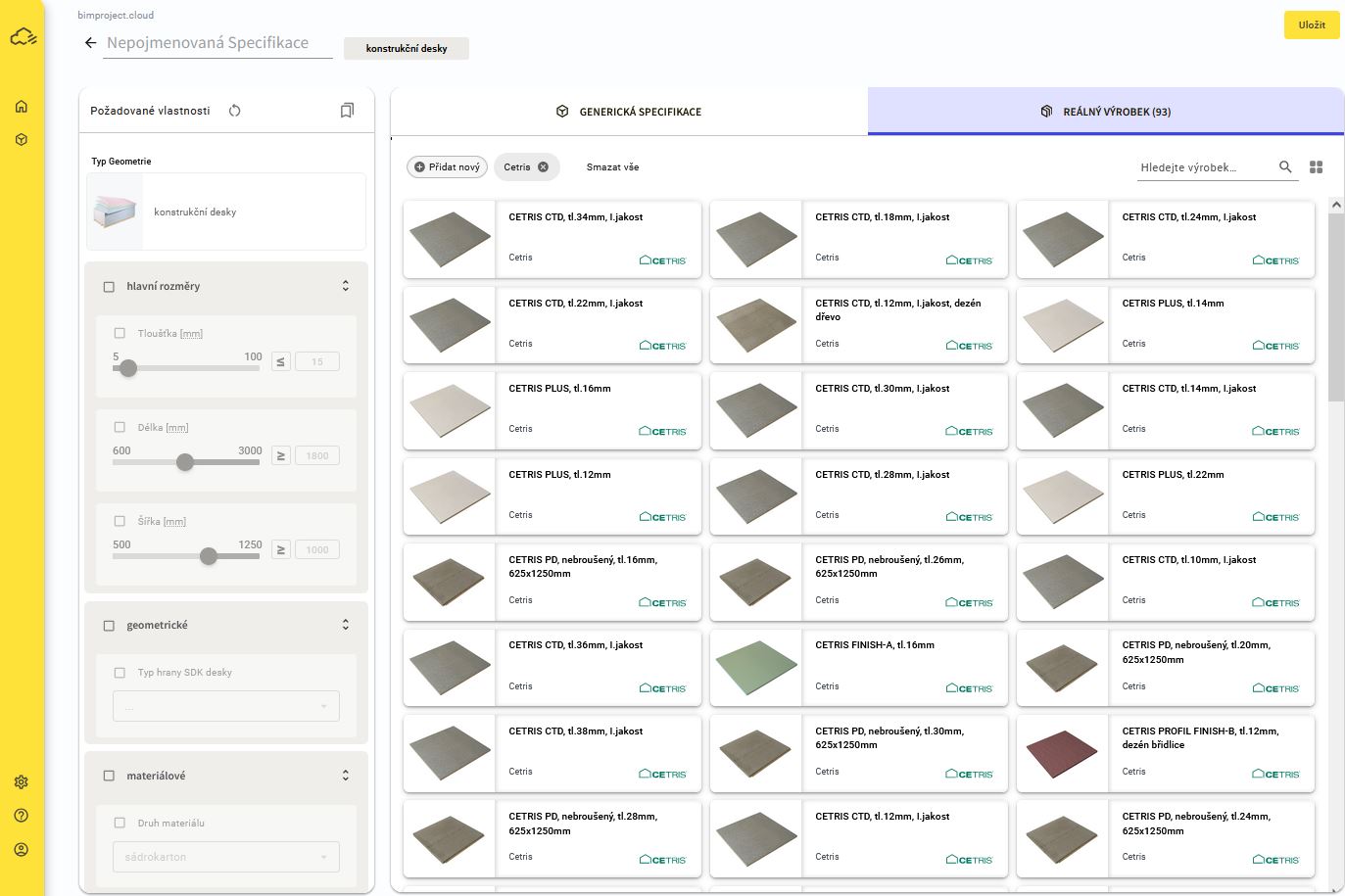
Database of actual products
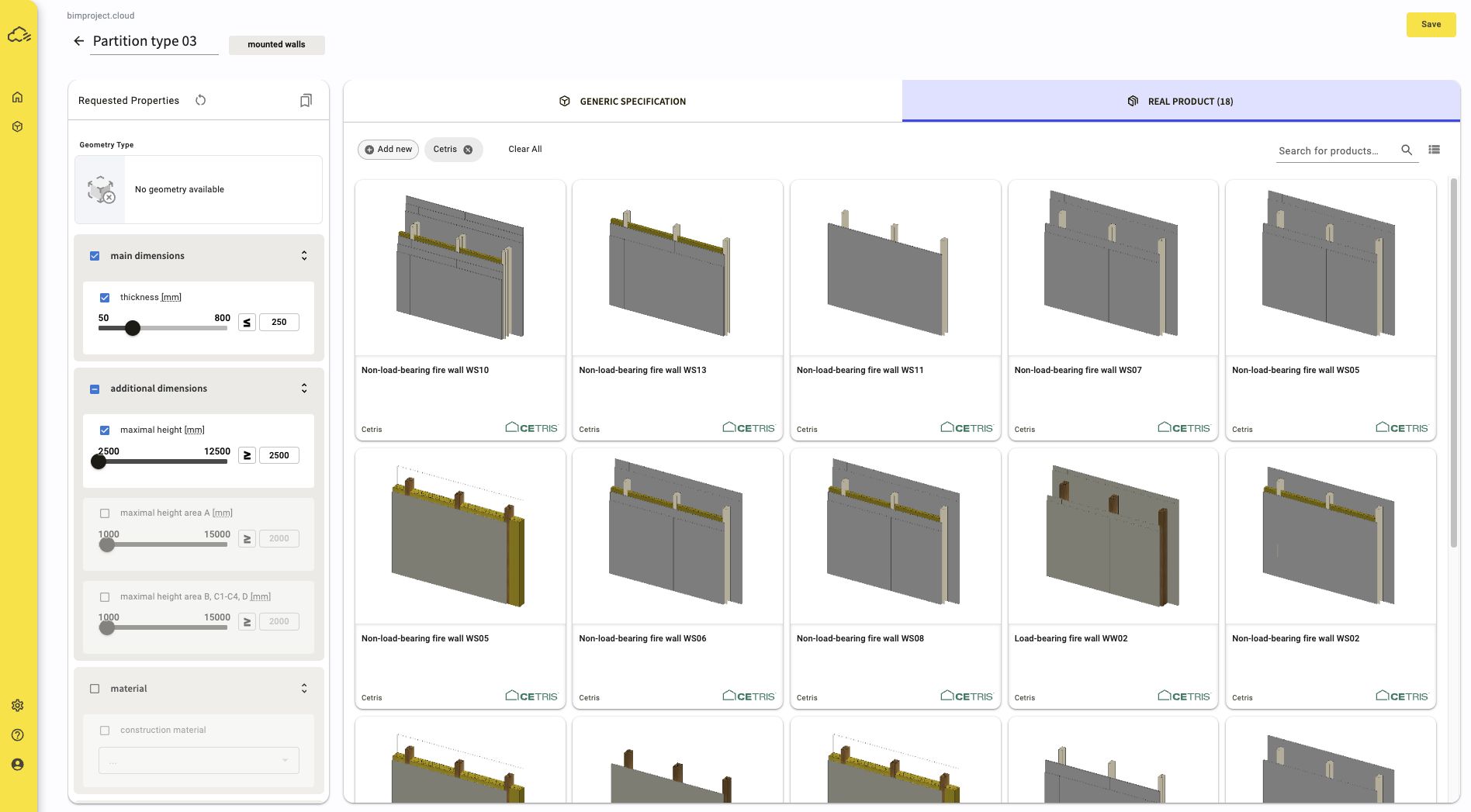
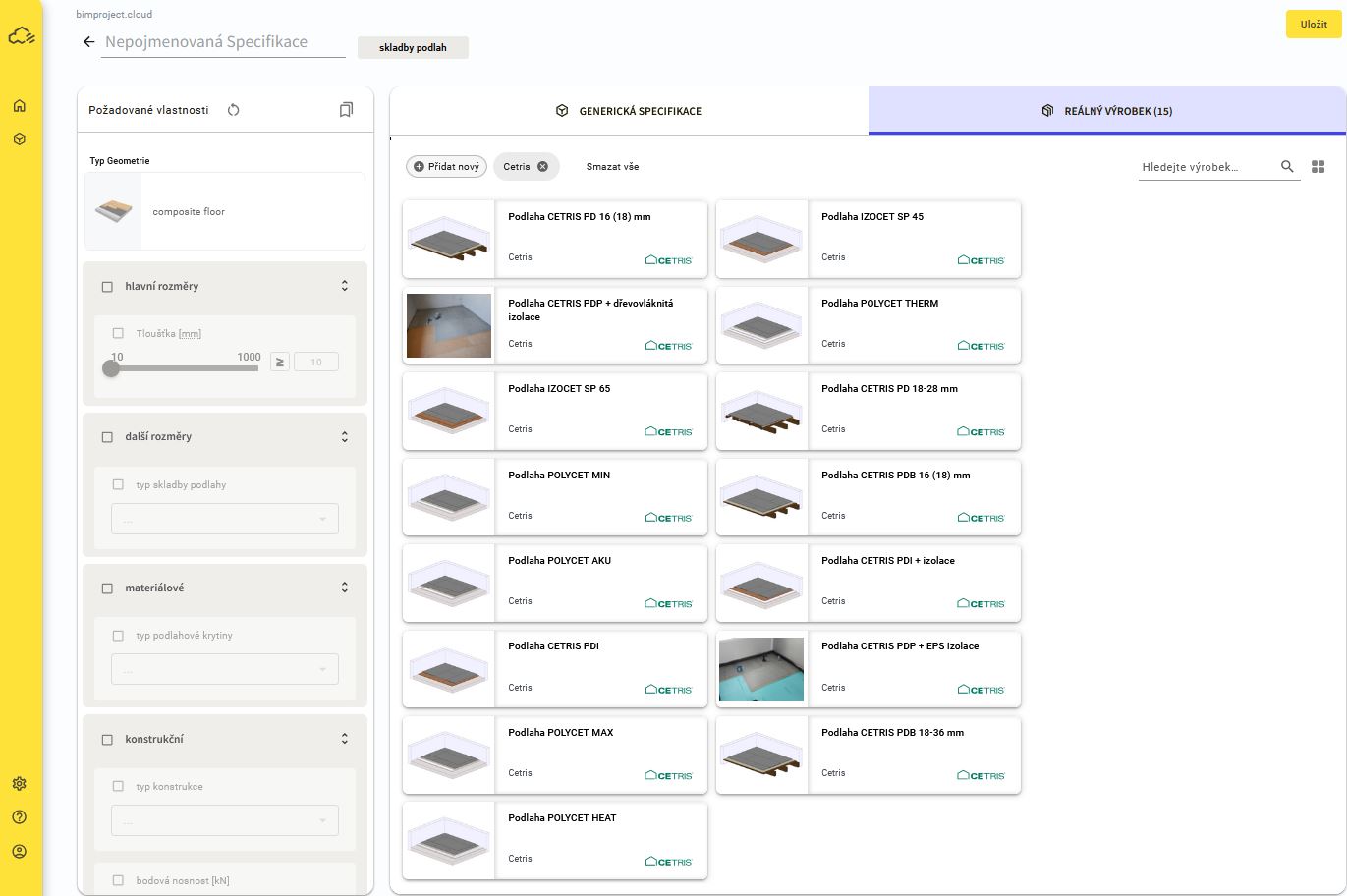
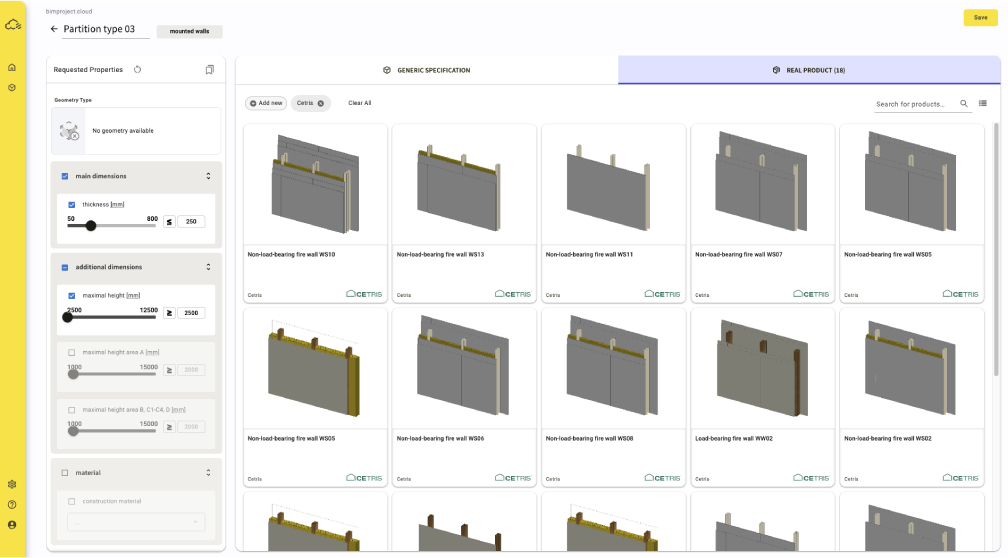
When you need a specification for specific products, you can use the CETRIS product database maintained by CETRIS in the "Real Product" tab by the manufacturer himself. This is a list of certified constructions that have, among other things, links to documents (technical data sheets, declarations of conformity, etc.). By assigning a real product to the Specification, you will not lose information about the requirements you had and can thus return to the general specification at any time by switching the tab back to "Generic Specification".
If you have requirements for a design or product in the Specification, these serve as filters to create a list of matching products and components.
When inserting the Specification into the BIM model, the same principles for structures and materials are applied as for the generic specification, so everything is 100% compatible. For each structure and product that you assign to the Specification, you can also set which of its properties (parameters) you want to include in the project and which ones you do not.
The CETRIS database contains 20 certified structures and about 80 products in the categories of prefabricated walls, structural boards and facade cladding.
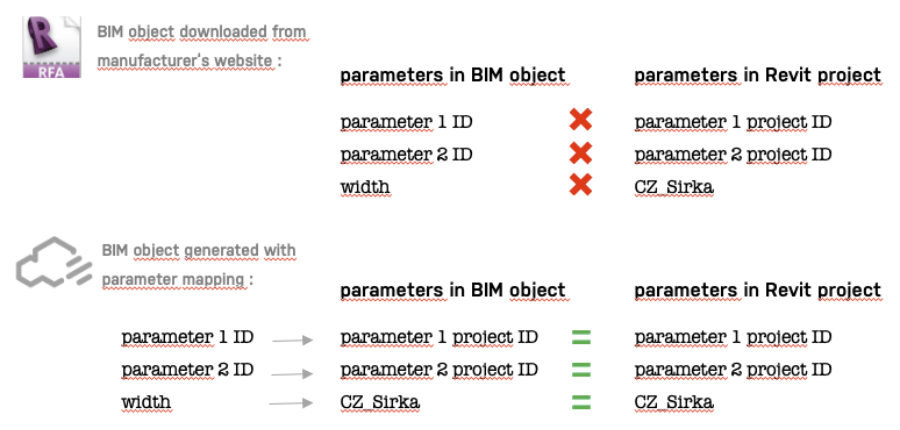
Parameter mapping for Revit
If you are a Revit user who wants to use parameters according to your project (and not create new ones), you can use the Parameter Mapping for Revit feature. After uploading TXT files with Shared Project Parameters, you can map them to bimproject.cloud parameters and we will use your project parameters. The resulting list of parameters and values will then have the same names and structure as you need when you unzip the BIM model.